> ## Documentation Index
> Fetch the complete documentation index at: https://portaldocs.peartelco.app/llms.txt
> Use this file to discover all available pages before exploring further.
# Active Calls
> See which calls are in progress on your phone system right now
 ## Overview
The Active Calls card shows any calls that are happening right now on your phone system. This includes calls being handled by extensions, calls waiting in queues, and calls on hold.
## What you'll see
When calls are active, each entry shows:
* The extension involved
* The caller or destination number
* How long the call has been running
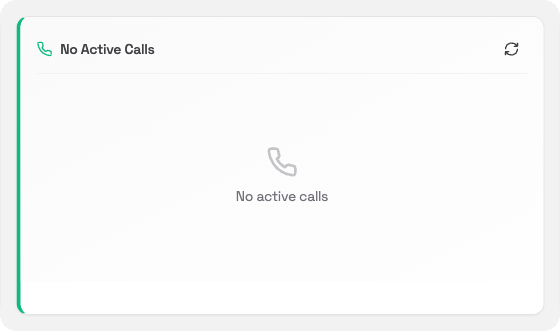
When there are no calls in progress, the card shows **No active calls**.
## Refreshing the data
The card updates in real time. You can also click the **refresh** icon in the card header to update it right away.
## Overview
The Active Calls card shows any calls that are happening right now on your phone system. This includes calls being handled by extensions, calls waiting in queues, and calls on hold.
## What you'll see
When calls are active, each entry shows:
* The extension involved
* The caller or destination number
* How long the call has been running
When there are no calls in progress, the card shows **No active calls**.
## Refreshing the data
The card updates in real time. You can also click the **refresh** icon in the card header to update it right away.