

Overview
You can make a call three ways: through the handset, hands-free on the speakerphone, or through a headset. Dial the number the same way you would on any phone. For outside calls, just dial the number as normal; for a colleague, dial their extension.How to make a call
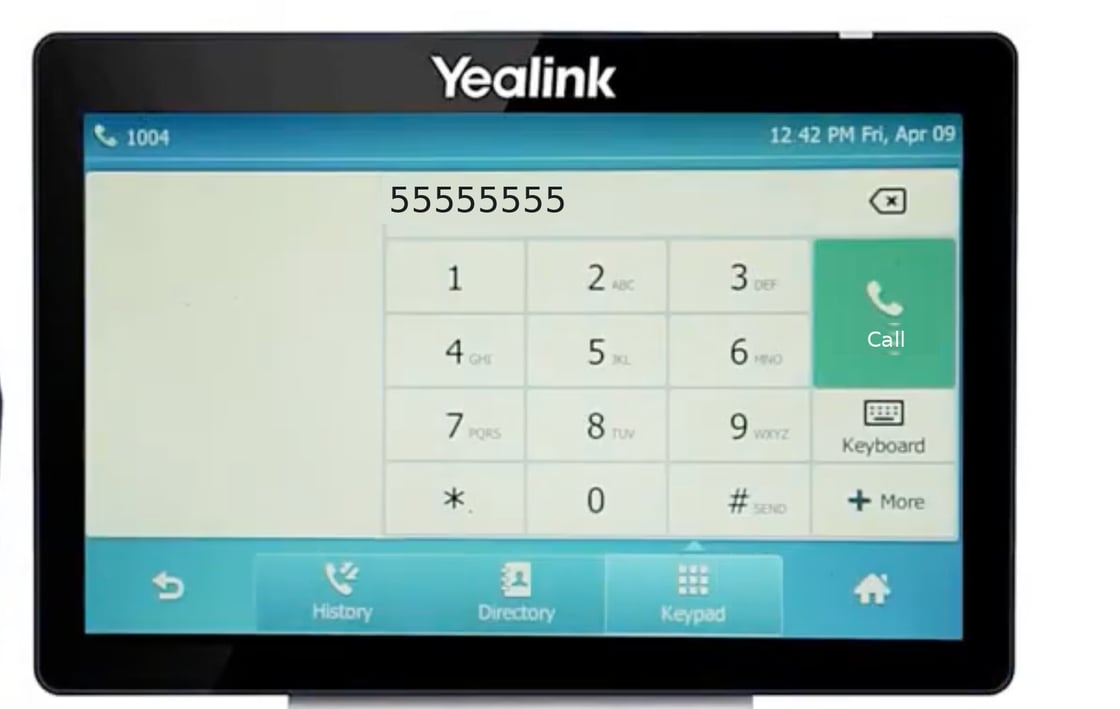
- Touch screens (T48 / T57)
Using the handset
- Lift the handset.
- Dial the number on the keypad.
- When you’ve finished dialling, press the Call button to connect.
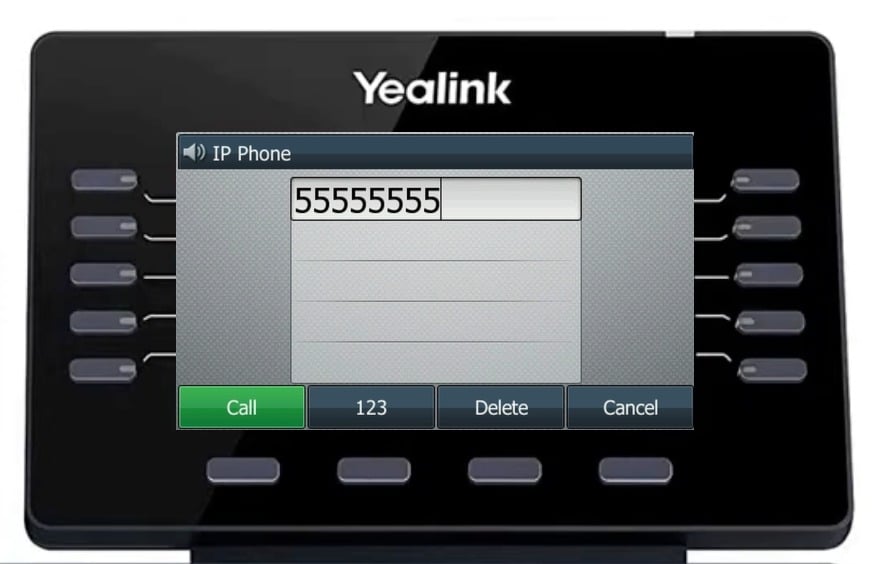
After dialling, press the green Call key to connect
Using the speakerphone
You can also dial with the handset still on the receiver:- Dial the number on the keypad. The phone starts the call on speakerphone.
- Press the Call button to connect.
- When the caller answers, keep talking hands-free on loudspeaker, or lift the handset at any time and the call moves to the handset automatically.
Using a headset
- Press the Headset key. Its light glows green to show headset mode is on.
- Dial the number.
- Press the Call button to connect.
Redialling
- Press the Redial key. Your list of placed calls appears.
- Scroll to the number you want and press the Call button.
The volume button
The Volume − / + key below the keypad does two different jobs, depending on when you press it:
The phone remembers each volume separately, so turning the caller up mid-call won’t change how loudly your phone rings later. For ringtones and more detail, see Volume & Ringtones.
Other ways to dial
- From your contacts: open the Directory and pick a name. See Contacts.
- From your call history: open History and call anyone back. See Call History.
- With one press: if you have speed dial keys set up, press the key for the person you want. See Speed dial & busy lamp keys.
- From the Pear Portal: use Click to Call to dial from your browser and have your desk phone place the call.