

Overview
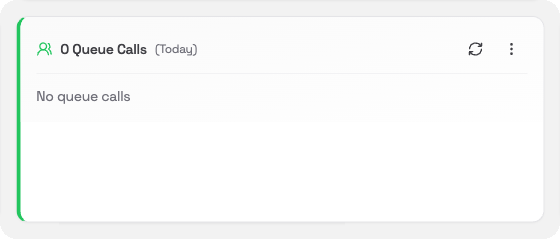
The Queue Calls card shows how many calls went through a queue for the time period you choose. It also shows how many were answered, how many were abandoned, and the average wait time. If you see a lot of abandoned calls compared to answered ones, it may be worth looking at staffing levels.What you’ll see
The card shows a summary of queue activity including:- Total calls answered through queues
- Abandoned calls
- Average wait time
Changing the time period
Click the ⋯ menu in the card header to change the period:- Today: calls so far today (default)
- Yesterday: the full previous day
- This Week: Monday to today
- Last Week: the full previous week