

Overview
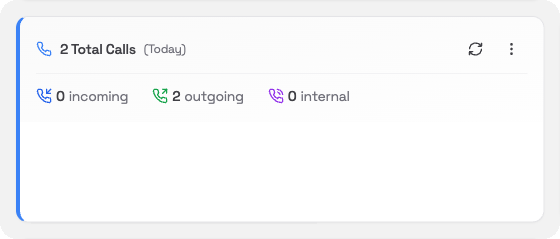
The Total Calls card shows a quick count of all calls handled by your phone system for the time period you choose. It splits them into three groups.What you’ll see
The large number at the top shows the combined total for the selected period.
Changing the time period
Click the ⋯ menu in the card header to change the period:- Today: calls so far today (default)
- Yesterday: the full previous day
- This Week: Monday to today
- Last Week: the full previous week